Creator Kickstart™ is a hands-on workshop that shows you how to turn one idea into a set of branded, multi-size posts...without starting from scratch. You’ll brand once (fonts/colors), apply it everywhere, avoid the three rookie mistakes, and export crisp assets for Instagram, Facebook, and YouTube ... fast.
Start Your 15-Minute Content SystemEntrepreneurs, educators, creators, and founders who need consistent, branded content without a full-time design team...especially if you’re juggling Instagram, Facebook, and YouTube.
About 15 minutes using the checklist and templates (*after your Brand Kit is set).
No. Pro helps with Resize, but you can still format sizes manually.
Multi-size templates, the 50 Prompts, and the 15-minute Content Checklist (PDF).
Yes. Follow the export specs by platform and avoid excess compression.
In 7 teaching and modeling workshops,you'll learn how to create videos, reels, graphics, and presentations that look polished and professional using the Canva platform.
Whether you're building classroom resources OR growing your business brand? This course gives you quick wins and a repeatable process to create content with confidence.
Recommended time needed to complete course:
90 minutes
Why this learning model works for any schedule:
Beginner-friendly, step-by-step foundational skills, and built for busy educators & creators who want DIY control...without the overwhelm!
Canva Kickstart: Create Content Fast is designed to master foundational tools within the Canva platform in order to design videos, graphics, and reels in under 2 hours.
NO overwhelm, NO tech headaches.
**Important note: This course is not my 15-Minute Template Formula from Creator Kickstart™, which also touches on platforms besides Canva.
The Canva Kickstart course is 7 workshops that provide technical teaching + modeling details about HOW to utilize core functions in the Canva platform.
WORKSHOPS
1: Welcome to the Design Arena
Unlock your Canva journey as we dive into the course flow, and get ready to level up your content creation.
2: Template Treasure Hunt
Learn how to pick the perfect template to align with your design vision/purpose.
3. Upload Power Up
Master how to upload your own media and adjust playback speeds [video editing 101]
4. Transition Mastery
Add smooth transitions to videos, reels, and presentations to boost audience engagement.
5. Caption Crafter
Boost accessibility and impact to your designs by adding captions in Canva.
6. Graphic Guru
Explore Canva's graphics library to personalize your designs and add visual magic that stands out.
7. Final Boss Build
Put all your skills together to create a final design...your Canva victory lap!
Also included is the free Creator Kickstart™ workshop on developing your 15-minute content creation system.
Who it's for:
Teachers, coaches, and entrepreneurs/
creators, especially women 40+, who want clean, on-brand posts without spending hours or breaking the bank on outsourcing digital design services.
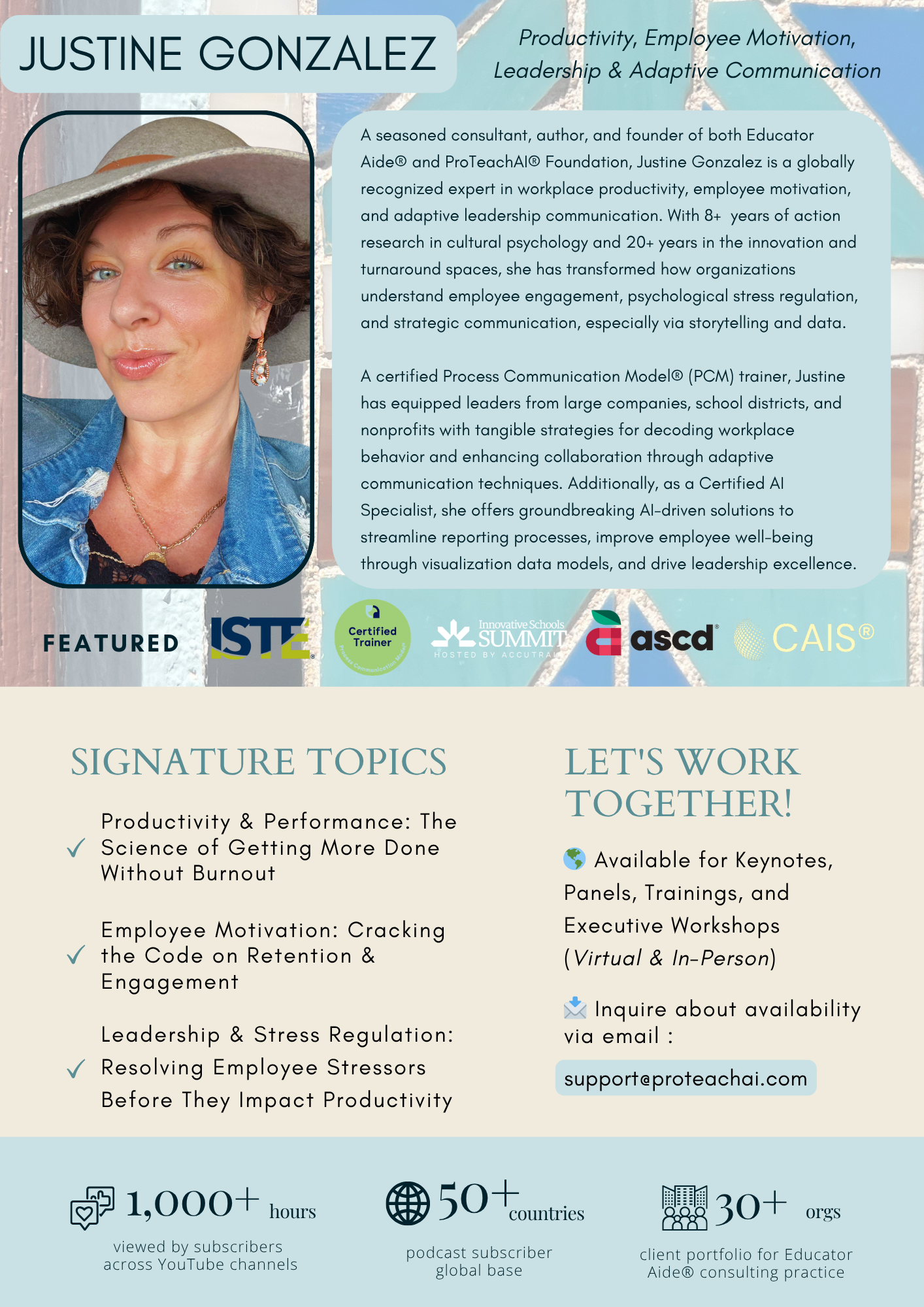
Meet Your Instructor
VIEW MY MEDIA KIT©2025 | vivasmart.ai | justinegonzalez.com
All rights reserved.
Viva Smart Terms & Privacy